Manage documents with folders in Google Cloud console
Stay organized with collections
Save and categorize content based on your preferences.
You can manage your documents with folders in Google Cloud console.
Create a folder
After creating a folder schema, you can create a folder with the schema.
On the documents page,
click New Folder.
Add a Display name, select a Folder schema, then click Submit to
create the folder.
Delete folders
You can delete folders from a browser table page.
- Go to the documents page.
Select one or more folders from the table, then click Delete.
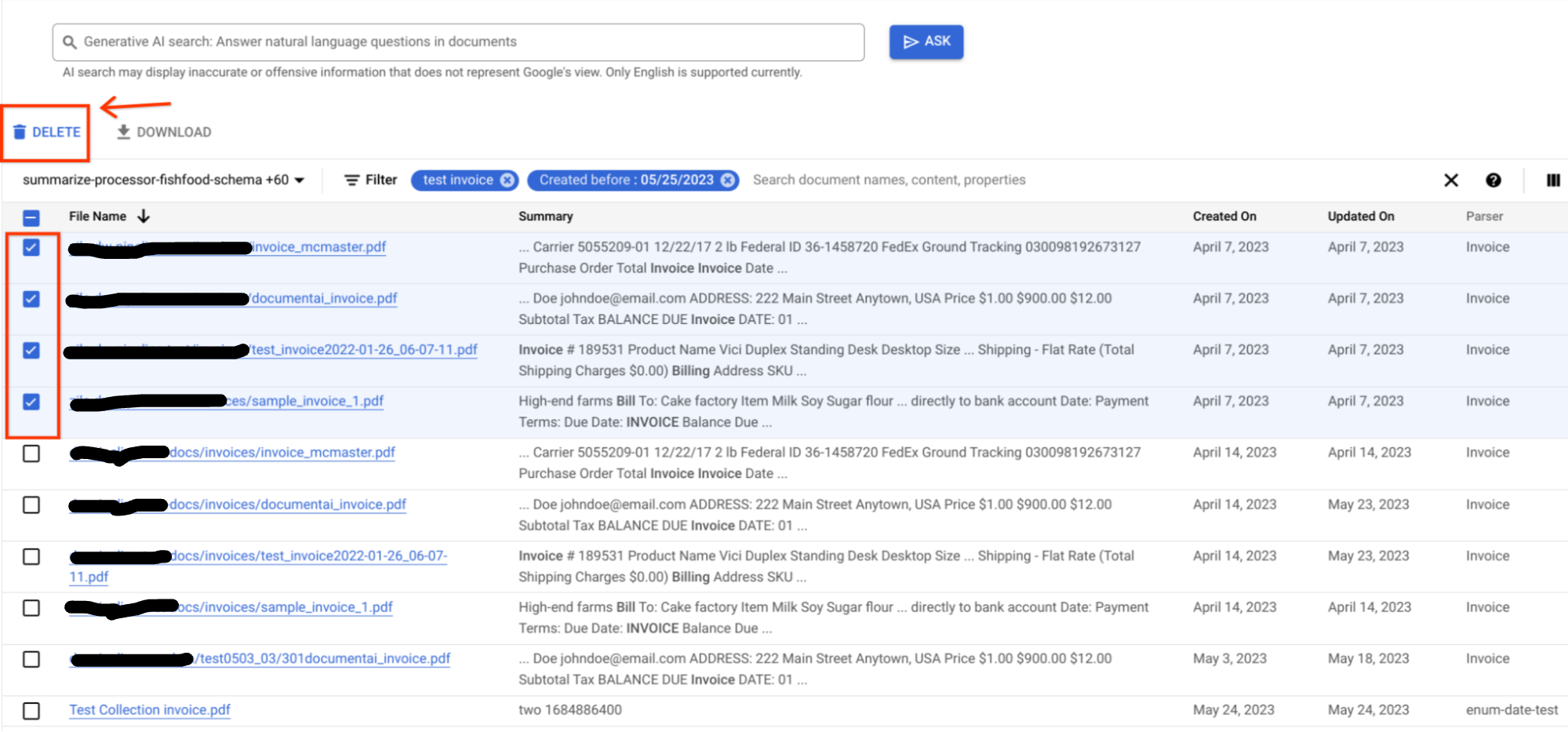
A Confirm dialog should appear asking for your confirmation.
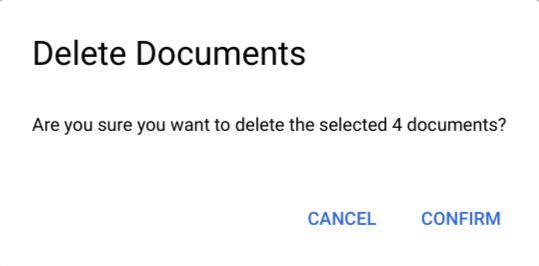
Click Confirm, and the folders should be deleted and removed from the table.
Move a document to a folder
You can move a document to a new folder.
On the documents page, click
the document that you want to move.
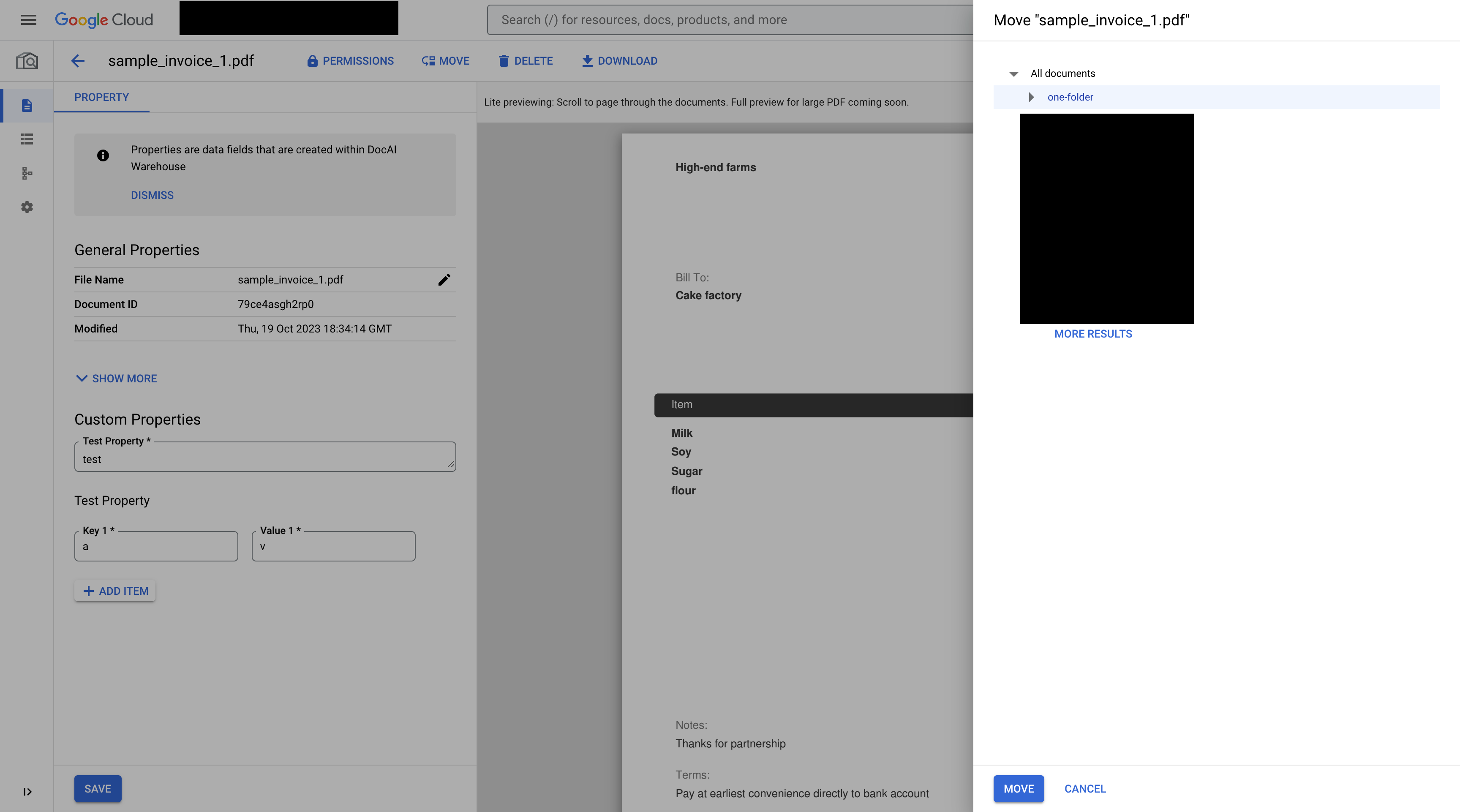
Click Move, then select a destination folder on the left panel and click
Move.
Except as otherwise noted, the content of this page is licensed under the Creative Commons Attribution 4.0 License, and code samples are licensed under the Apache 2.0 License. For details, see the Google Developers Site Policies. Java is a registered trademark of Oracle and/or its affiliates.
Last updated 2026-10-26 UTC.
[null,null,["Last updated 2026-10-26 UTC."],[],[]]

